Fast Color Tips: Match the Right Color Without Panic Clicking
Controls: Mouse.
Fast Color is not hard because the screen is complicated. It is hard because the screen tries to make your first instinct unreliable. The word, the color, the timer, and the answer choices all fight for attention at the same time.
Slow the first half-second down
The worst Fast Color habit is clicking the first familiar word you see. That feels fast, but it is only fast when the screen agrees with your guess. When the word and color start pulling in different directions, that habit turns into lost hearts.
Give yourself one tiny pause before the click. Not a long pause. Just enough time to confirm what the prompt is really asking before your hand moves.
Look for the target, then the answer
Do not scan all the answer choices randomly. First identify the target. Then find the matching option. That order matters because random scanning makes every big colored word compete for your attention.
Once you know what you are looking for, the screen gets quieter. The correct answer usually stands out faster when your eyes have a job.
Ignore the timer without forgetting it
The timer is there to pressure you, but staring at it wastes the time it is counting down. Use the timer as background pressure, not as the center of your attention. If you keep checking the number, you stop reading the prompt cleanly.
The better rhythm is simple: read, confirm, click. Fast, but not frantic.
Game example
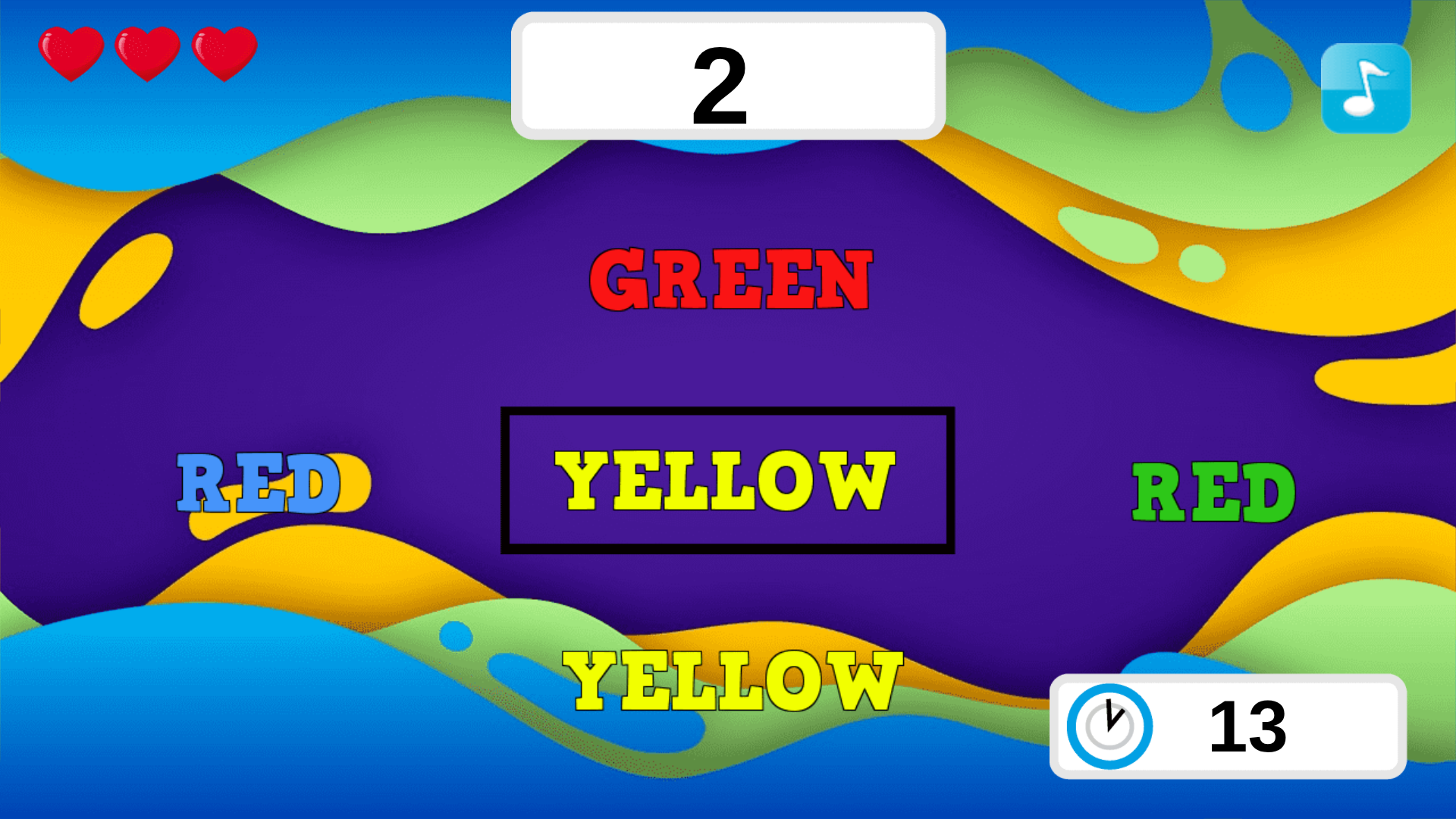
In Fast Color, the chosen screenshot shows the exact kind of visual trap that makes the game work. A color word sits in the middle of the screen while several answer words appear around it in different colors. The selected frame is useful because it shows how easy it is to see a word and a color at the same time, then click before you have separated the two.
Takeaway
Fast Color rewards quick recognition, but it punishes blind speed. The cleanest runs come from checking the prompt before trusting your reflex.